Your Mosque Website
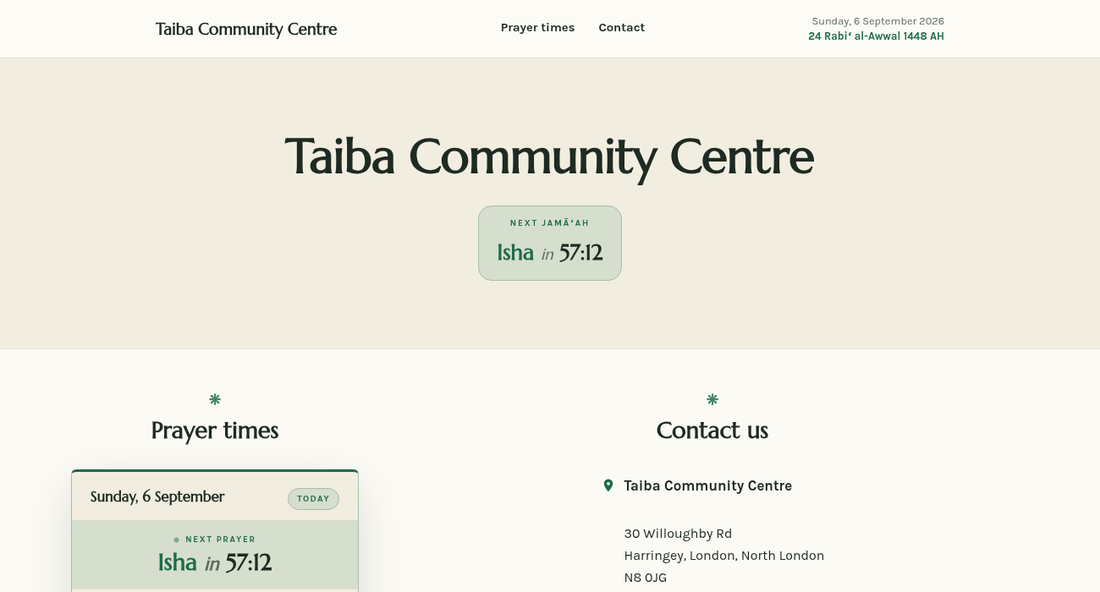
Every mosque on the platform can publish a free public website in a few minutes: prayer times that update themselves, your services and classes, announcements, events, photos and a contact form — at hayyalasalah.co.uk/m/your-mosque-id, or on your own domain.
What you get
- A fast, mobile-friendly website in one of nine looks, with your logo, colours and fonts.
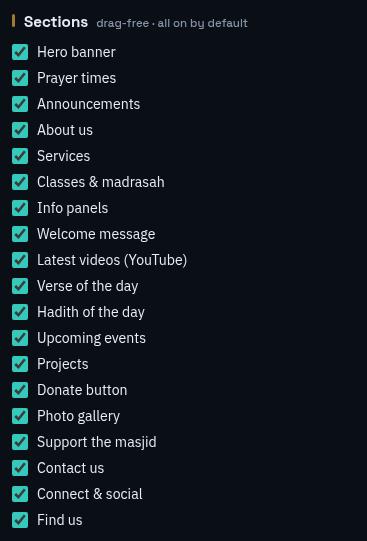
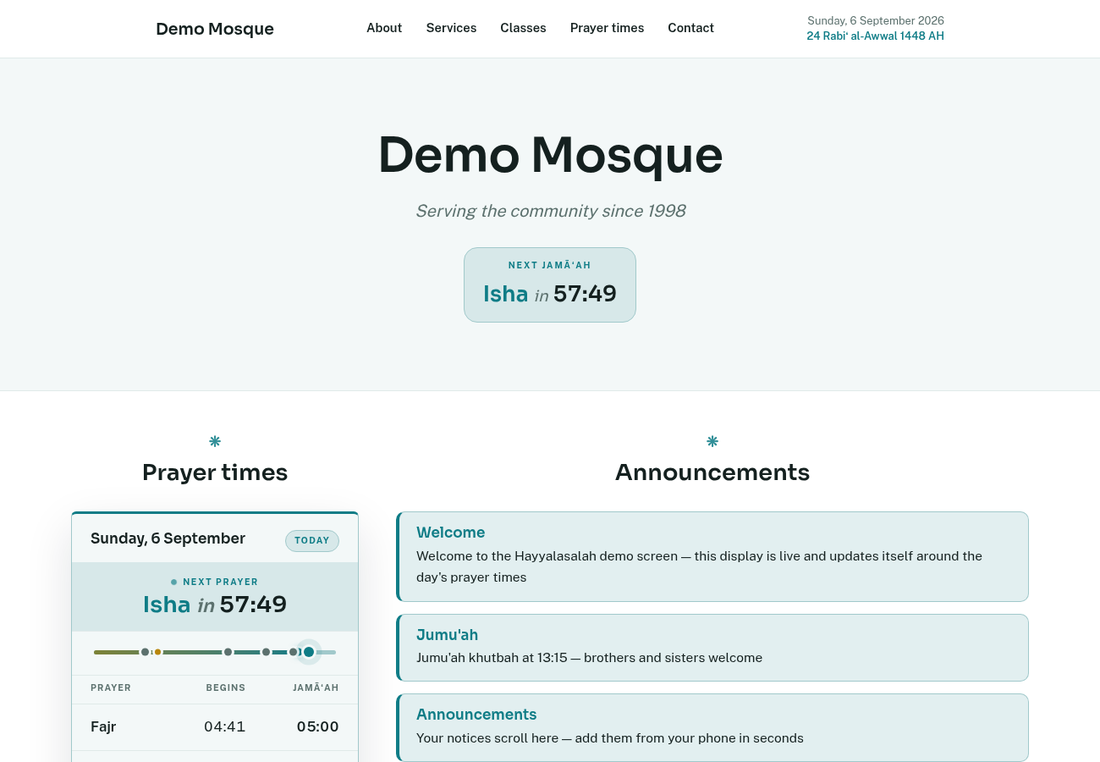
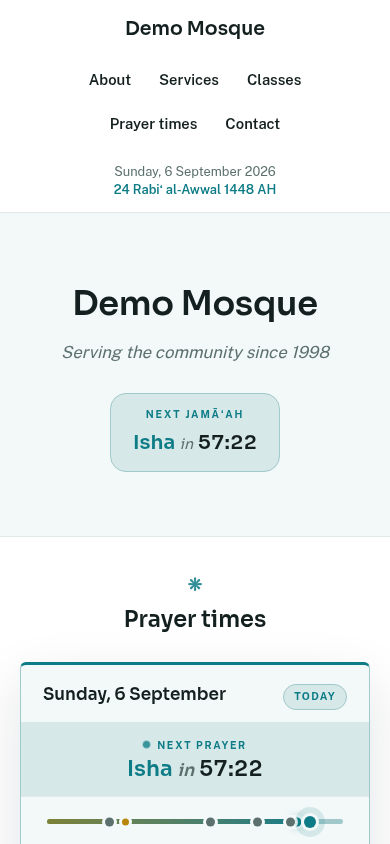
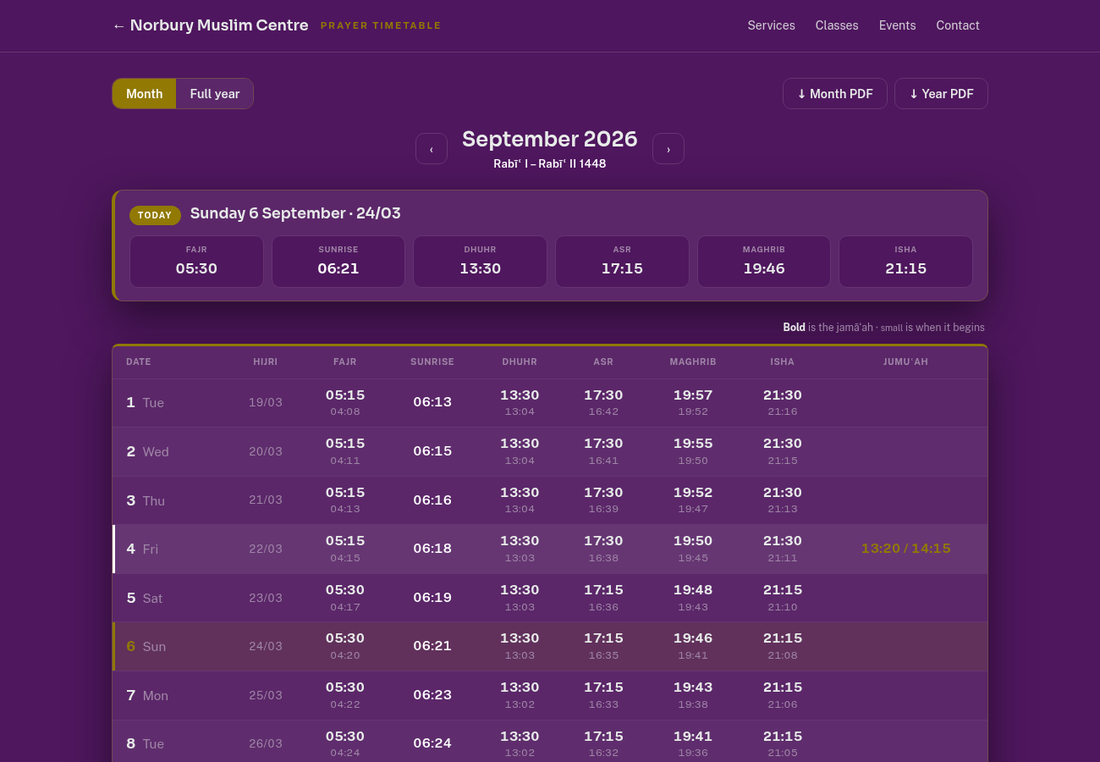
- Prayer times, the next jamā'ah countdown, Ramadan timings and the Hijri date, all fed live from your timetable. Nothing to update by hand.
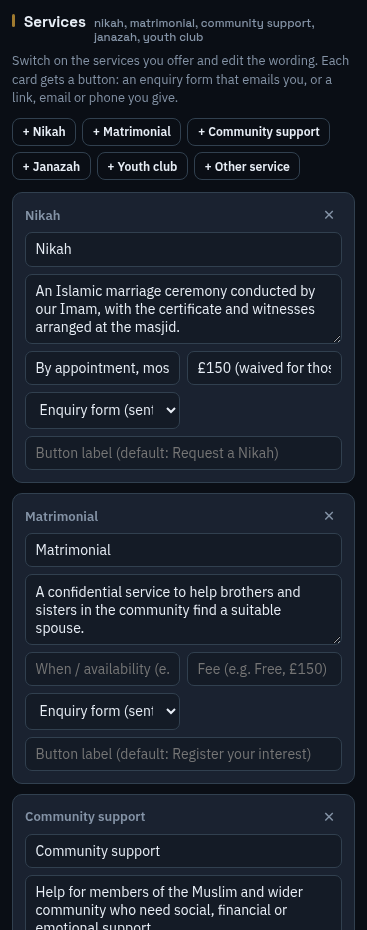
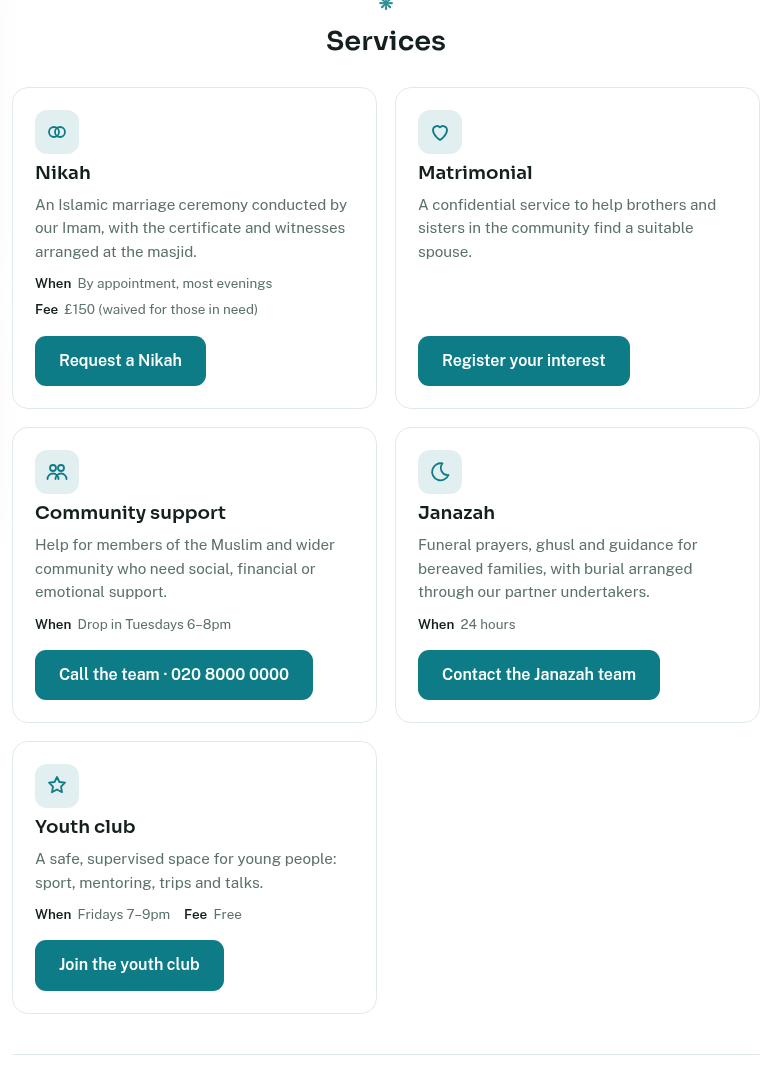
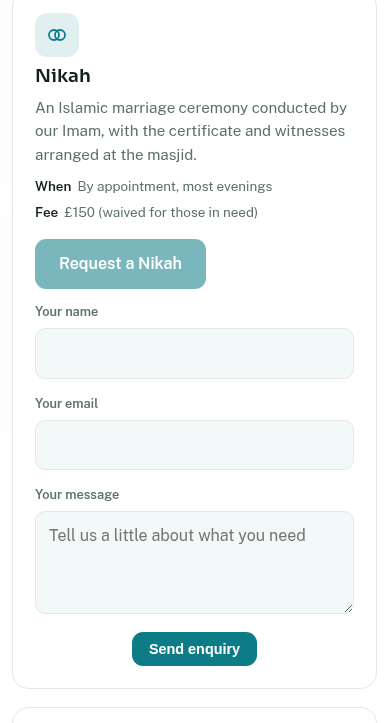
- Your services (Nikah, Matrimonial, Community support, Janazah, Youth club and more) with an enquiry button on each.
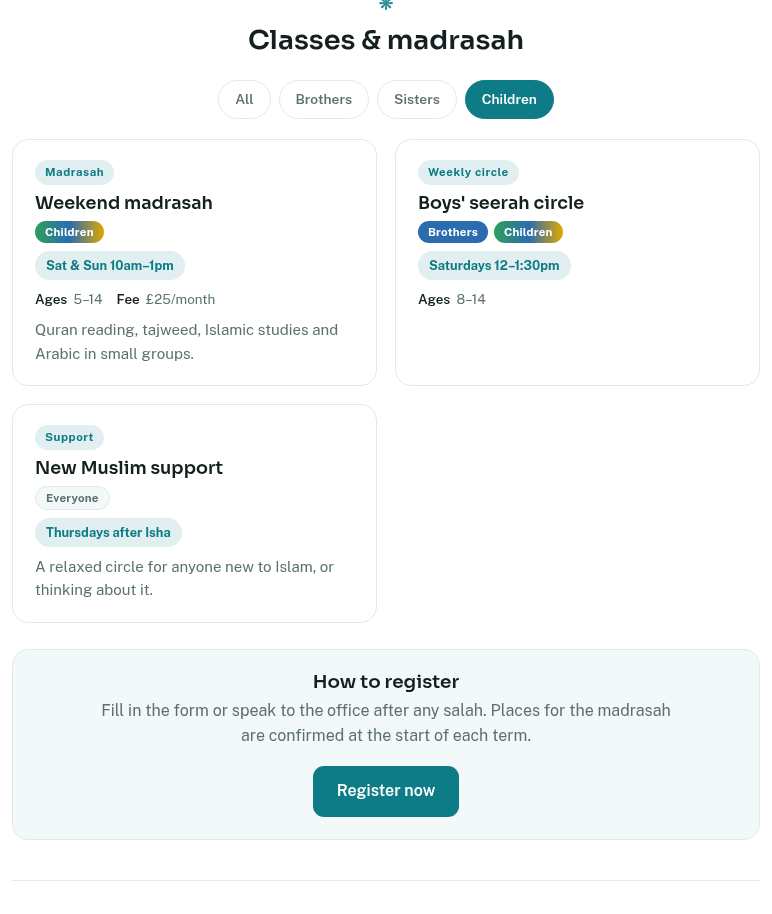
- Classes and madrasah with Brothers / Sisters / Children labels visitors can filter by, and a "how to register" block.
- Announcements, upcoming events with sign-up, projects, a donate button, a photo gallery, your videos and social links.
- A contact form, an enquiry log, visitor statistics, and the option to serve it all on your own domain name.
Before you start
Hosting is free for active mosques. Two things must be in place first: your prayer timetable must be uploaded (see Guide 03 or the Update Prayer Times card), and your mosque profile must be complete — name, address, city and a contact email in Mosque details. The Website Designer shows a checklist if anything is missing.
Opening the Website Designer
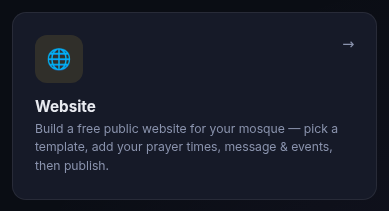
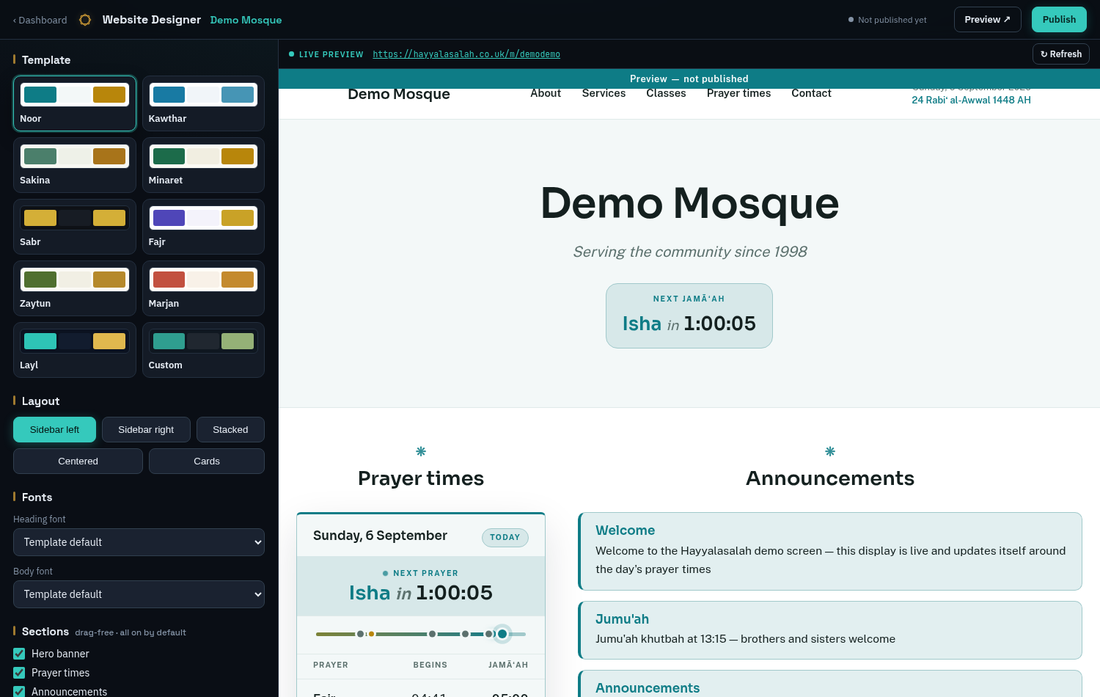
Edits go into a draft that only you can see (the preview). Nothing reaches the public until you press Publish, or Update live site once it is live. The Save button at the bottom of the panel does the same thing as the button at the top.
Template, layout and fonts
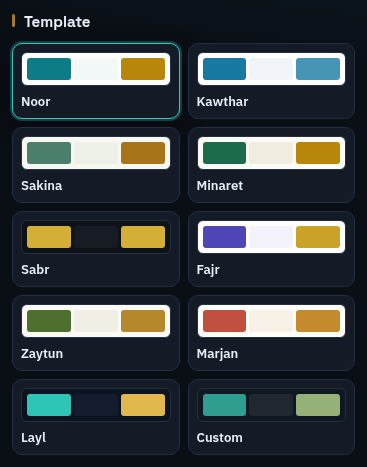
Template sets the palette. Layout arranges the page: prayer times in a sidebar on the left or right, or everything in one column (stacked, centred or as cards). Fonts lets you swap the heading and body typefaces from a curated list. Custom colours appears only when the Custom template is chosen, and derives readable text and button colours from the three you pick.
Content, projects and donations
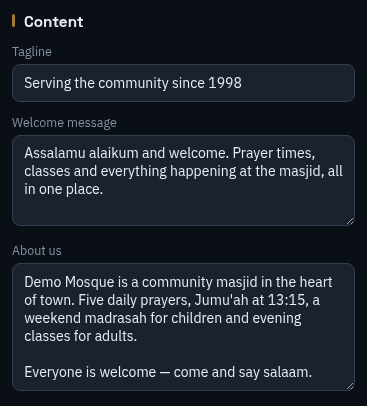
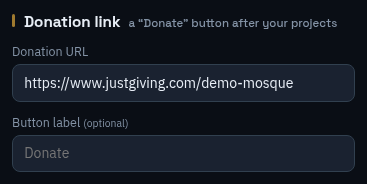
Projects are fundraising or community projects, each with a title, description, goal and link. The Donation link becomes a button after the projects; when the link is from a known provider (JustGiving, Stripe, PayPal, GoFundMe, LaunchGood, MuslimGiving, SumUp and others) the button reads "Donate via …" unless you give it your own label.
Services
Add the services you offer
Presets: Nikah, Matrimonial, Community support, Janazah, Youth club, and Other for anything else. Up to eight.
Say when and how much
When / availability and Fee are short lines shown on the card. Leave them blank to hide them.
Choose how people reach you
Enquiry form (the default) puts a small form on the card that emails you and is kept in your Enquiries log. Or give a link to your own form, an email address, or a phone number, and the button uses that instead. The button label is yours to change.
Janazah notices
The Janazah card can show your current Janazah notices from the signage, so the website and the screens always agree.
Classes and madrasah
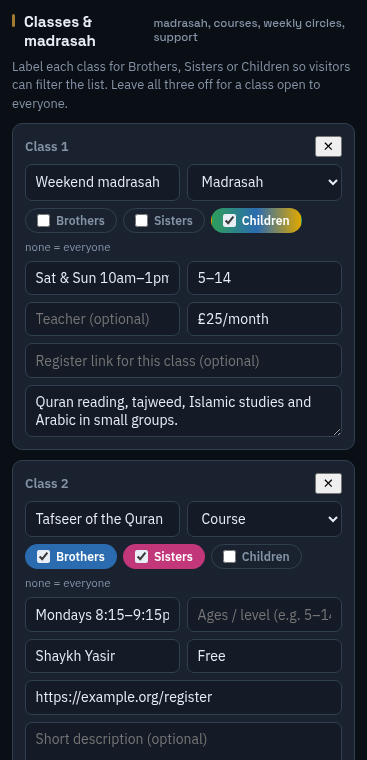
Types are Madrasah, Course, Weekly circle and Support. Tick Brothers, Sisters or Children in any combination; leave all three off for a class open to everyone. Visitors get a filter row above the list so they can show just the classes for them. Under the list, How to register holds your own text and a button — a link to your form, or, if you leave the link empty, a jump to your contact section. Up to twenty classes.
Photos, videos, social and the prayer widget
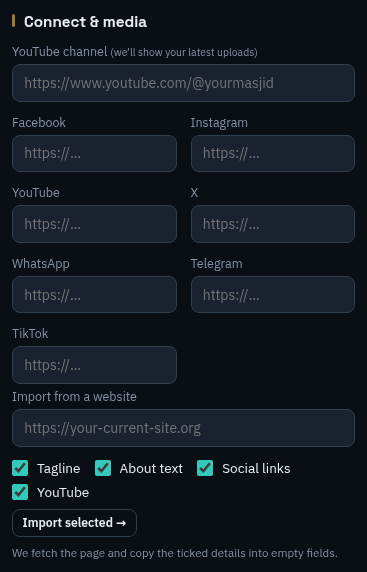
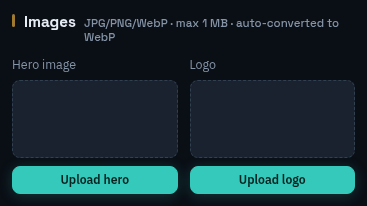
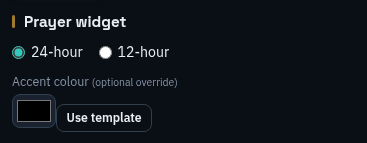
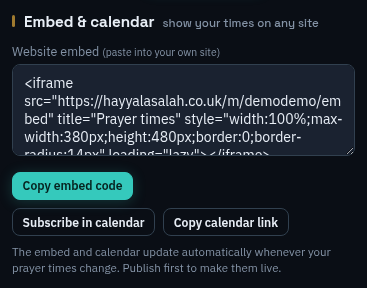
The Photo gallery takes up to twelve pictures with captions and opens them full size when tapped. The Prayer timetable file lets you attach your printed timetable (PDF or image) for download. The embed and calendar links update themselves whenever your prayer times change.
Publishing and updating
The first time, you accept a short set of terms, then the site goes live at hayyalasalah.co.uk/m/your-mosque-id. After that every press of Save or Update live site copies your draft to the public page within a minute. Preview ↗ opens the draft in a new tab; Unpublish takes the site offline without deleting anything.
Your own domain
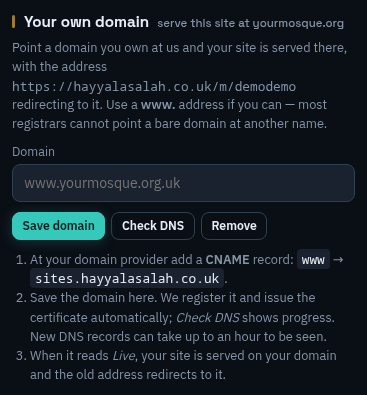
Add one record at your domain provider
A CNAME with host
wwwpointing tosites.hayyalasalah.co.uk. Use the www address; most providers cannot point a bare domain at another name.Save the domain here
Type
www.yourmosque.org.ukand press Save domain. The platform registers it and requests a security certificate for you.Wait for it to read Live
New DNS records take up to an hour to be seen. The status moves from Waiting for your CNAME to Certificate being issued to Live on this domain; Check DNS refreshes it on demand. Once live, your site is served at your domain over https and the old address redirects to it. Nothing else to do.
If your provider offers "web forwarding" for the bare name (without www), point it at https://www.yourmosque.org.uk so visitors who leave off the www arrive too. Remove in the panel takes the domain off again; the site stays reachable at its hayyalasalah address.
Enquiries and visitors
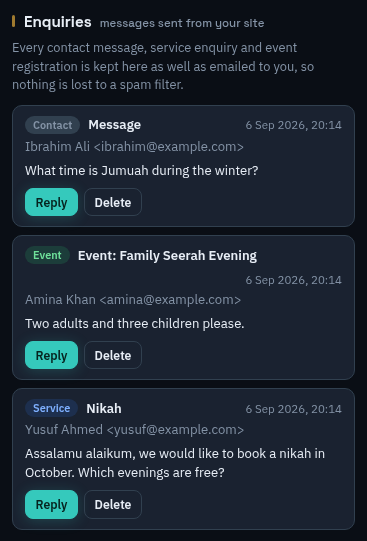
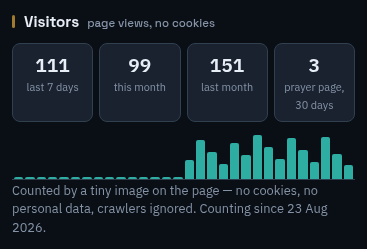
Enquiries are emailed to your contact address and kept here as well, so a spam filter can never lose one. Visitor counts come from a tiny image on the page: no cookies, nothing personal, and crawlers are ignored.
What visitors see
Questions
Do I have to update the prayer times on the website?
No. The site reads the same timetable as your screens. Change it once in Update Prayer Times and the website, the calendar feed and the embed follow within a minute.
Can helpers edit the site?
Yes — anyone you invite as a sub-user with access to your mosque can open the Website Designer.
Someone filled in a form but no email arrived
Open Enquiries in the designer; every message is kept there. Then check the contact email in Mosque details, which is where the copies are sent.
What are the limits?
Eight services, twenty classes, eight projects, twelve gallery photos, 4 MB of images in total (each up to 1 MB), an 8 MB timetable file, and twenty publishes a day.
Can I take the site down?
Unpublish removes it from the public immediately and keeps your draft. Publish again whenever you like.